Check-in and order screens for recreation companies
Queues at the entrance or ticket office are unpleasant for everyone. With LeisureKing's check-in and ordering screens, visitors can easily check in, purchase tickets, or order products themselves via a self-service kiosk that is directly linked to your reservation system.
New: Start this season with a rent-to-own plan at
. Pay 50% up front and spread the rest into fixed weekly payments.
Quick and easy check-in upon arrival
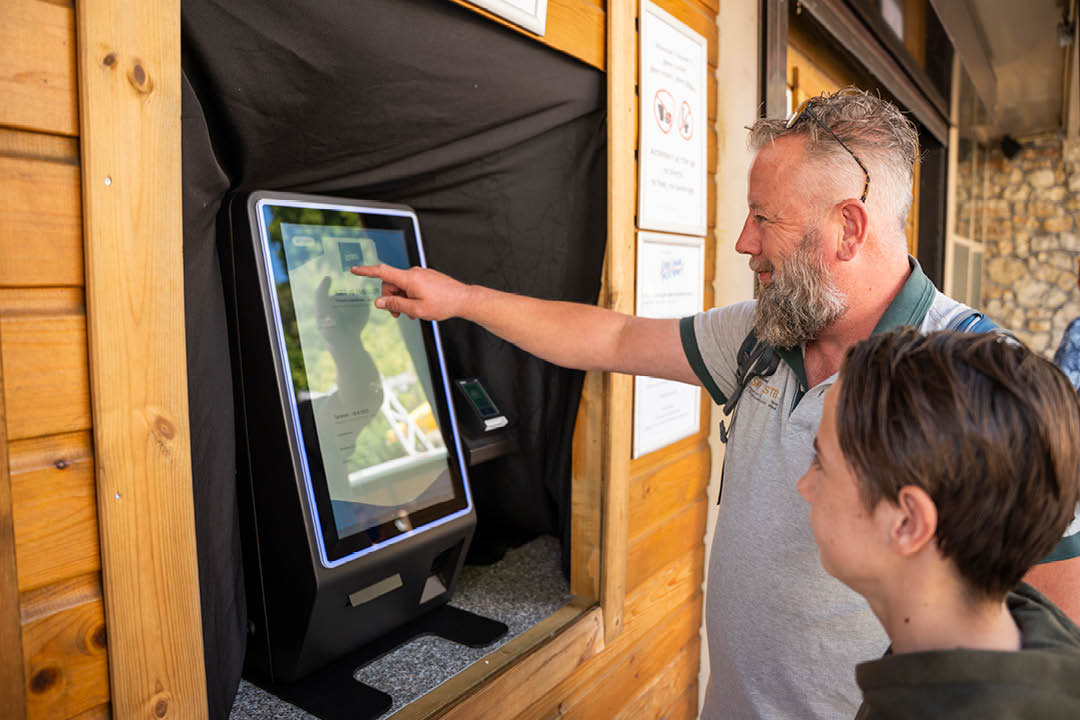
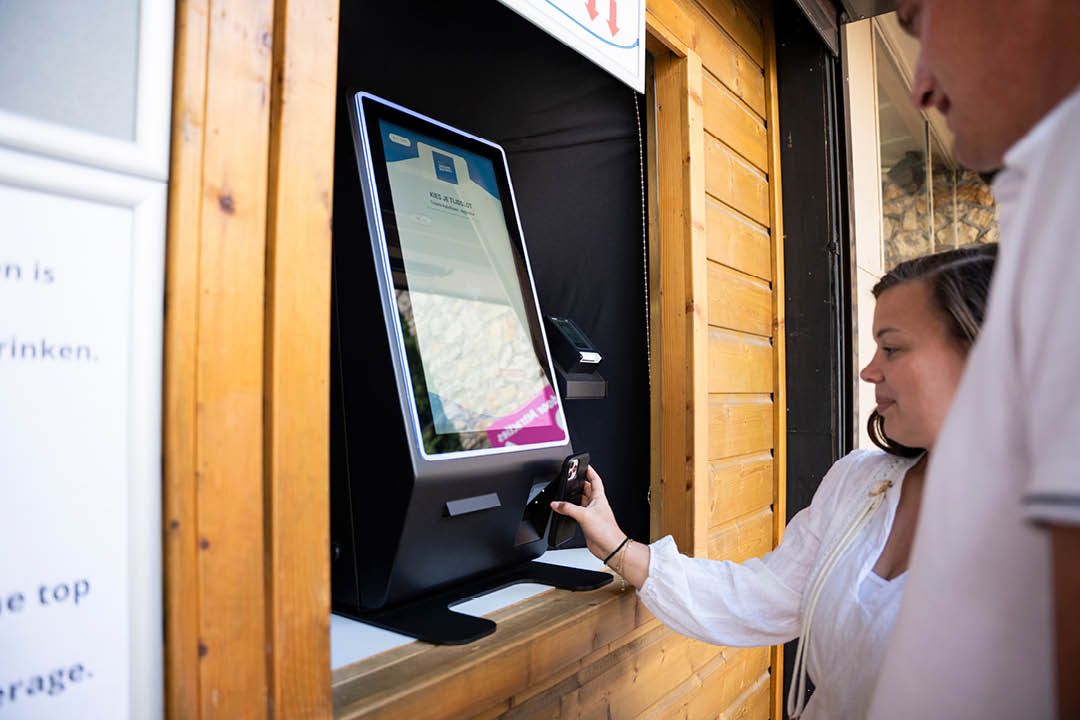
Many visitors have already booked their activity online. They simply check in themselves upon arrival using a check-in screen. Guests scan the QR code from the confirmation email or enter their reservation on the screen. Check-in is completed within seconds.
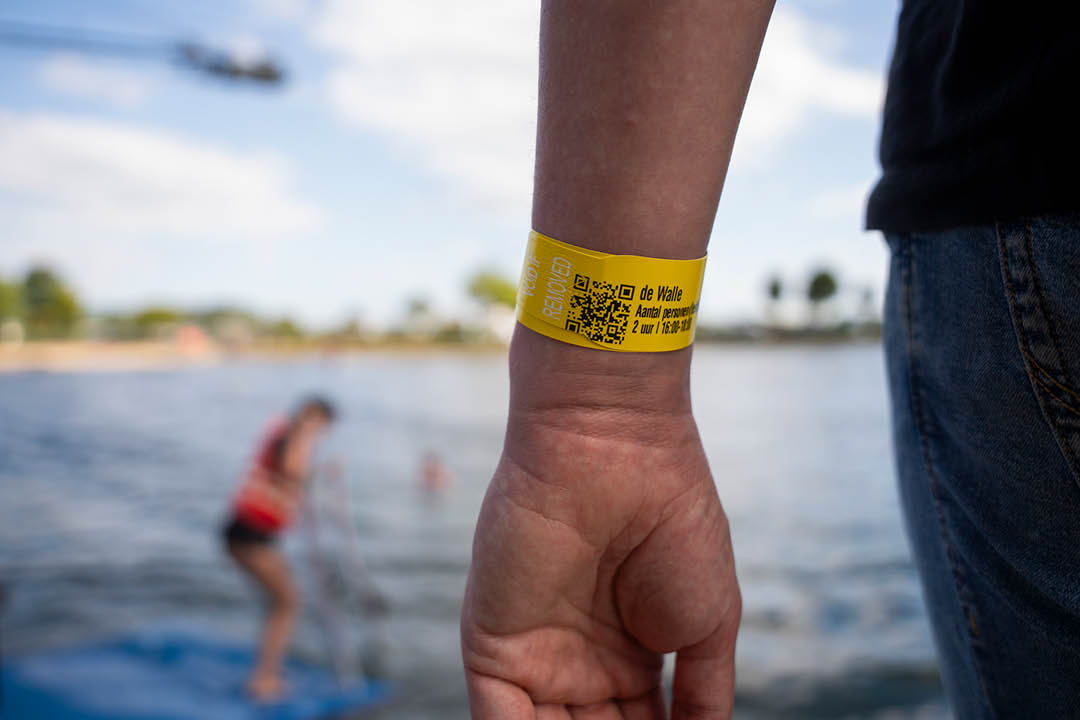
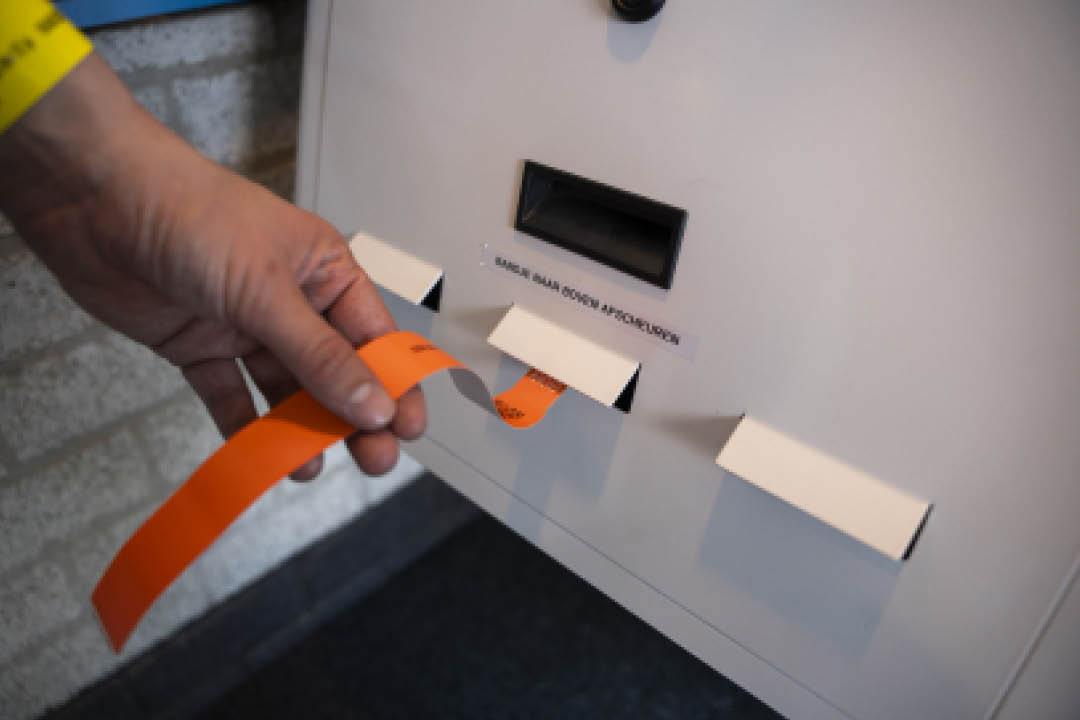
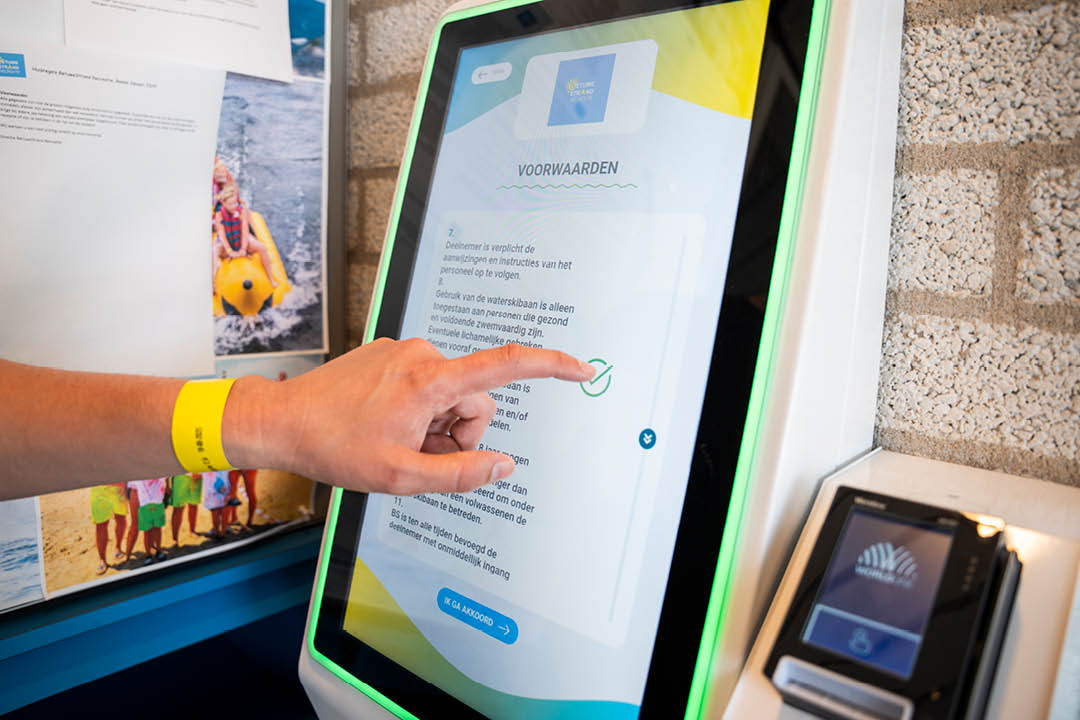
Visitors receive a voucher stating the number of people, the start time of the activity, and the correct starting location. During check-in, they can also immediately agree to the terms and conditions or safety rules. This prevents queues at the entrance and allows visitors to proceed directly to their activity.
Order and pay yourself via an ordering kiosk
Not every visitor makes a reservation in advance. With an ordering screen or ordering kiosk, guests can also easily book an activity or purchase tickets on the spot.
Visitors use the touchscreen to choose their activity, select the number of people, and pay immediately by debit card. The reservation is automatically entered into LeisureKing and the inventory is updated.
An ordering kiosk is ideal for:
- ✓ Attractions and day trips
- ✓ Vacation resorts
- ✓ Adventure parks
- ✓ Bike and scooter rentals
- ✓ Escape rooms
- ✓ Museums
Fully integrated with LeisureKing
The check-in and ordering screens are fully integrated with the LeisureKing reservation system. This means that reservations, payments, and check-ins are processed automatically. When a visitor purchases a ticket at the ordering kiosk, it appears immediately in your reservation overview.
In addition, access gates or turnstiles can open automatically based on our tickets, using QR codes and/or facial recognition. These user-friendly solutions operate entirely without staff intervention. This creates a seamless business process that lightens the load on your organization’s daily operations.
You always work from a single system with a clear overview of reservations, available time slots, check-ins, and payments. This prevents errors and ensures an efficient process, both for you and for your visitors.
More than just practical
A screen is not used continuously. That is why the screen can automatically switch to a promotional video or presentation of your company.
This allows you to show passers-by what activities are available, what packages you offer, or what promotions are currently running. The screen thus becomes not only a practical solution for check-ins and orders, but also a subtle marketing tool.
An investment that quickly pays for itself
By automating part of the ordering and check-in process, you can reduce labor costs and prevent congestion at the entrance. Visitors can easily manage their reservations or orders on their own, which takes the pressure off your team and gives them more time to focus on hospitality.
The average lifespan of a screen is around five years, while the benefits are often noticeable from the very first busy day. Would you like to spread out the cost of the investment? If so, you can also opt for a lease-to-own plan: you pay 50% upfront and the rest in a fixed weekly payment, so you can get started right away.



Frequently asked questions about check-in and order screens
A check-in screen is a self-service screen where visitors can register upon arrival. They scan their QR code or enter their reservation, after which the check-in is automatically processed in the system.
An ordering kiosk is a touchscreen that allows visitors to independently order tickets, activities, or products and pay for them immediately. The order is automatically linked to LeisureKing.
Check-in and ordering screens are widely used by recreational businesses such as climbing parks, attractions, museums, rental companies, escape rooms, and event venues. Anywhere visitors purchase or reserve tickets, a self-service kiosk can speed up the process.
Yes. Visitors simply scan the QR code from their reservation email. The system recognizes the reservation and automatically processes the check-in.
Yes. Many locations install multiple screens to prevent queues, for example, multiple check-in screens at the entrance and a separate ordering kiosk for tickets or catering.
Yes. The check-in and order screens are designed in your company's house style, so that they match your website and image.
Yes. With a rent-to-own plan, you pay 50% of the purchase price upfront and spread the remaining amount into fixed weekly payments. This way, you can start using the screen right away without having to make the full payment all at once.
Prices start at €1,750. The exact weekly rate depends on the screen size, model, and desired configuration.