Two-factor authentication (2FA) in LeisureKing
To better protect your account and data, we use two-step verification (2-FA). On this page, you can learn why this is important and how to set it up.
Why is two-factor authentication important?
Your LeisureKing account often contains sensitive information, such as reservations, customer information, and payments. A strong password is important, but it's not always enough.
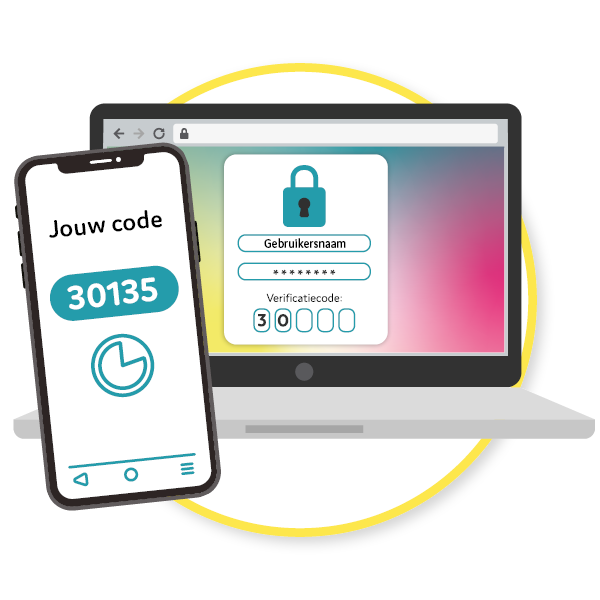
Two-step verification adds an extra layer of security. In addition to your password, you'll also need a code sent to your phone. This way, we can be sure that it's really you logging in.
Even if someone knows your password, they can't access your account without your phone.
Your account is better protected against hackers
Sensitive data remains secure
You cannot access this without your phone
Extra peace of mind for you and your team
Easy to use, takes just a few extra seconds
How do you set up two-step verification?
Download an authenticator app
Install Google Authenticator or Microsoft Authenticator on your phone.
Log in to LeisureKing
Open the app and log in with your username and password.
Go to your account settings
Go to Settings → Users and click the pencil icon next to your account.
Add a new device
Go to 2-factor authentication and click "+ Add new device".
Scan the QR code
Open your authenticator app and scan the QR code that appears on the screen.
Confirm with the code
Enter the 6-digit code from your app to confirm. You're all set!
Once set up, you’ll be asked for a 6-digit code from the authenticator app every time you log in. This code changes every
few seconds and provides extra security for your account.
When logging in, you can choose how long this device will remain verified. That way, you won’t have to
enter a code again every time you log in.